IJ Start Cannon– The Canon LBP226dw is a black-and-white laser printer built for people who just want fast, clean prints without a lot of extra features. Get the latest Canon imageCLASS LBP226dw Driver, Software and Manual on the link we provide at the bottom of this article.
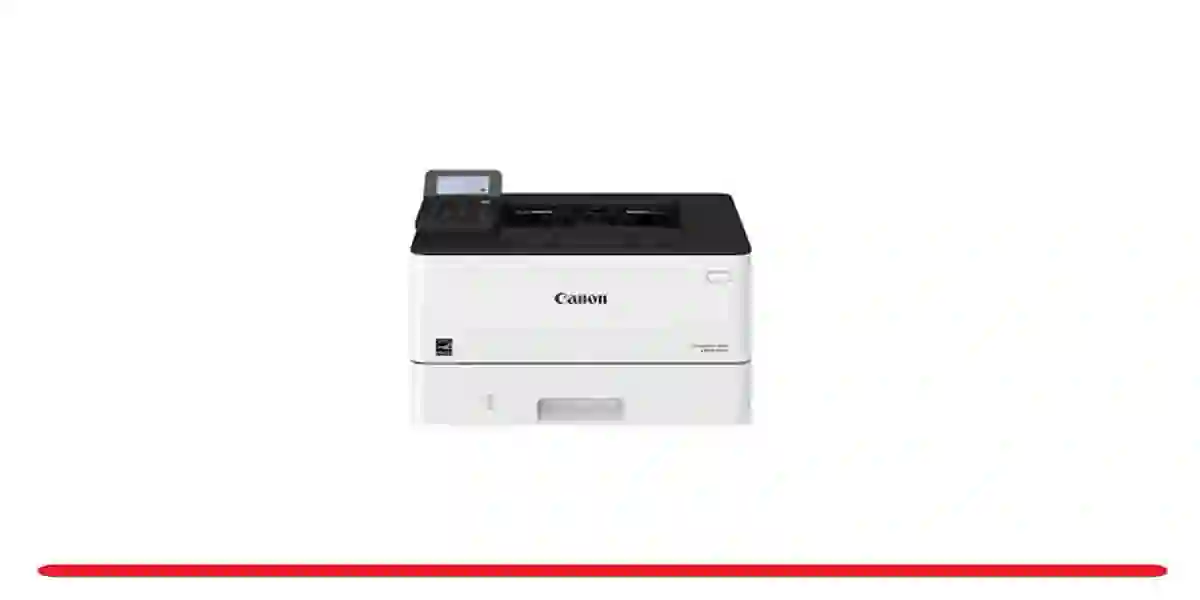
Quick Prints, Every Time
This printer is seriously fast. You’ll get up to 38 pages per minute, and the first page usually comes out in under 6 seconds. Whether you’re printing a single-page invoice or a 20-page report, it handles it with no problem. Text looks sharp and clear.
Works Well with Wi-Fi
You can print using Wi-Fi, USB, or Ethernet. It also supports Wi-Fi Direct, so even if you don’t have a router, you can print straight from your phone or laptop. It works with AirPrint, Canon’s app, and Mopria, so it’s compatible with most devices out of the box.
Paper Handling That Fits Your Workflow
It comes with a 250-sheet main tray and a 100-sheet multipurpose tray, which is great for labels, envelopes, or thick paper. If you need more, there’s an option to add another 550-sheet tray.
Simple, Easy-to-Use Display
The control panel is a basic 5-line LCD screen. It’s not fancy, but it’s clear and easy to use. You can check print status, toner levels, and network settings right from the screen without digging through menus.
Low Hassle, High Efficiency
Replacing toner is quick, and Canon offers a high-yield cartridge that lasts up to 10,000 pages, so you won’t need to swap it out often. There’s also a Secure Print feature that holds jobs until you enter a code—great if you’re printing private documents in a shared space.
What’s Good
Fast print speeds (up to 38 ppm)
Automatic double-sided printing
Strong mobile and wireless support
Expandable paper capacity
Reliable performance with low maintenance
What’s Not
Black-and-white only
No scan, copy, or fax features
Small display—not touchscreen
Key Specs
| Feature | Details |
|---|---|
| Print Speed | Up to 38 ppm (single-sided) |
| Duplex | Yes, automatic |
| First Print Out | About 5.5 seconds |
| Resolution | 1200 x 1200 dpi (enhanced) |
| Optional Tray | 550-sheet cassette (sold separately) |
| Connectivity | USB, Ethernet, Wi-Fi, Wi-Fi Direct |
| Mobile Printing | AirPrint, Mopria, Canon PRINT app |
| Display | 5-line monochrome LCD |
| Toner Yields | Standard: ~3,100 pages, High: ~10,000 |
| Size/Weight | Approx. 8.8 kg |
Final Verdict
The Canon imageCLASS LBP226dw is a great pick if you need a fast, black-and-white printer that’s simple to use and easy to maintain. It doesn’t do scanning or color, but for pure, high-volume printing, it’s a strong and efficient option.
Canon imageCLASS LBP226dw Driver Download
Support Driver for:
- Windows
- Windows Server
- Mac Os X
- Mac Os X Server
- Linux
Canon imageCLASS LBP226dw Driver Download Windows x32
- Download ~~>> PPD Files
- Download ~~>> Generic Plus UFR II Driver
- Download ~~>> Generic Plus PCL6 Driver
- Download ~~>> Generic Plus PS3 Driver
Free Canon imageCLASS LBP226dw Driver Windows x64
- Download ~~>> PPD Files
- Download ~~>> Generic Plus UFR II Driver
- Download ~~>> Generic Plus PCL6 Driver
- Download ~~>> Generic Plus PS3 Driver